
Recognition that lands in every inbox on the date, in every time zone. Every person, every year.
Distributed teams get the same branded card on the same day wherever they work, and the manager gets a heads-up days ahead to add a personal one. Peer thank-yous from a link, no app, no login.
Just want to look around first? Start free.
30 minutes on your branding. No commitment. Plans from $120 a month, priced for your team below.
What it costs
The price for your team, before the call.
$120 a month covers the first 100 employees. Each employee after that is $0.25 a month. Annual billing takes 10% off. No hidden fees, cancel anytime.
- Unlimited eCard designs, portals, and internal sends
- Employee directory, stats and analytics, Zapier and API access
- Advanced white-label branding and top-priority support
Gift card rewards, SSO, and SCIM are on the Enterprise plan.
$1,701 a year on annual billing. About $0.63 per employee per month.
Pick a time for my demoPer-seat recognition plan. Billed monthly or annually.
From a 30-person team to a 7,000-person organization









In short
eCardRecognizer is employee recognition for remote and hybrid teams: birthday, anniversary, and milestone eCards sent automatically from your HRIS or directory, peer kudos from an intranet form, and company-wide moments scheduled to any segment. No app, no login, so every region takes part on day one.
- Lands in the inbox on the date, in every region
- Peer kudos across teams without a login
- Reporting by team and region
Trusted by 9,000+ organizations




Out of sight is out of mind, unless the program runs itself
Nobody walks past a desk to say happy anniversary on a distributed team. Recognition either lands in the inbox on the date or it does not happen. Gallup finds employees who receive high-quality recognition are 65% less likely to be looking for another job, and that recognition needs to arrive roughly weekly to hold.
Source: Gallup, Employee Retention Depends on Getting Recognition Right.
Dates run themselves
Birthdays, anniversaries, and milestones send from your HRIS or directory. Managers are not the reminder system.
Peer kudos across teams
A recognition form linked from your intranet lets anyone thank a colleague in another city, with the card branded to you.
Lands in the inbox, opens anywhere
A full-screen branded card at the email on file. No app, no login, nothing to remember.
See which teams go quiet
Recognition analytics by department show which remote teams are recognizing, and which are not.
Four pillars, one directory
Turn on what you need. Add the rest when the first one is running. The directory, the automations, the heads-ups, and the reporting are the program, not a card library.
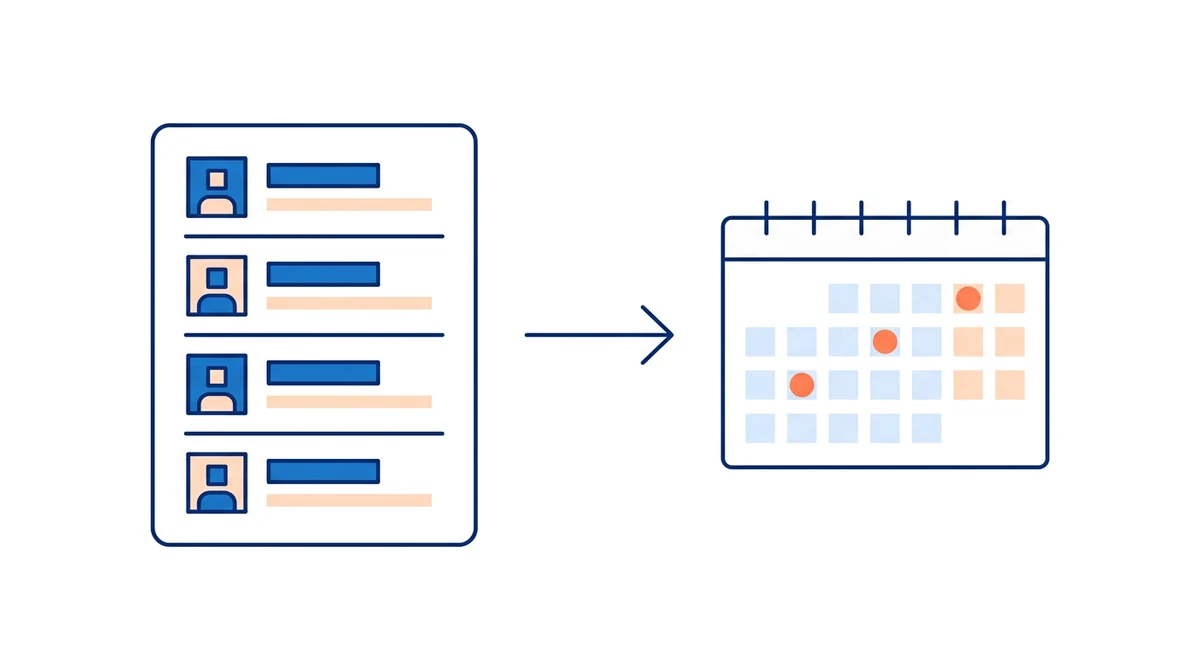
Set it up once. Every birthday and anniversary goes out on the day, and the team piles on.
Hire dates and birthdays in your directory schedule every card, and years 1 to 50 each get their own designs. One to 30 days ahead, the manager and the department get a heads-up with a Schedule eCard button, and their cards land on the same day. If nobody adds one, the company card still goes out, so every person is covered every year.
- Several designs and messages per milestone, picked at random, so year two never repeats year one
- Local-time sends, weekend shifting, and a 3-year preview of what goes out when
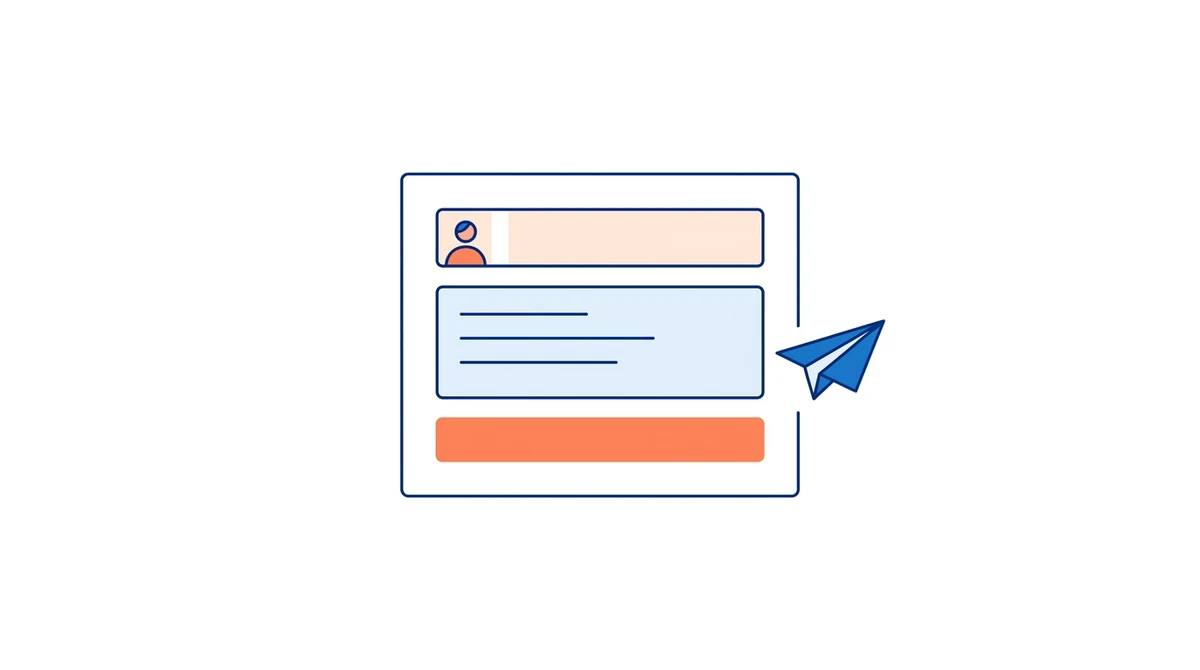
Anyone can say thank you in under a minute, with no login to forget
A recognition form on SharePoint, your intranet, or behind a share link you can put on a QR code. Pick a colleague from the directory, write two sentences, send. The card arrives by email, text, or WhatsApp and opens in any browser, so frontline staff without a company inbox are in.
- Embed with one iFrame or share the link; no login for sender or recipient
- Profanity filter and domain allowlists keep it tidy; every send shows in reporting

One holiday card to the whole company, scheduled ahead, and you see who opened it
Pick a design, write the message once, and schedule it to the whole directory or one department. Merge tags fill in each name, so a card to 2,000 people still reads one to one. Opens and clicks are tracked per campaign, and the yearly holidays run on their own as fixed-date automations.
- Whole directory or a department filter; CSV and bulk paste too
- Sent, delivered, opened, and clicked per campaign, exported to CSV
A real gift card inside the card, at face value, only when the moment earns one
On the Enterprise plan, attach a gift card from your own Giftbit account or a pool of codes you already own to a milestone tier, a spot award, or a campaign. The employee claims it with a one-time code and no account. Per-card ranges, hourly, daily, and monthly caps, and an audit log with CSV export keep Finance and payroll happy.
- Stays off until you turn it on; cards without a reward still go out
- Caps set once, every order and claim logged

Live for every region in a day
Connect the directory, turn on the dates, open peer recognition.
Connect the directory
Sync from your HRIS (SCIM on the Enterprise plan) or upload a CSV with emails, teams, hire dates, and birthdays.
Turn on the automations
Choose templates for birthdays, anniversaries, and milestone tiers. Add company-wide moments to the calendar.
Open peer recognition
Link the recognition form from your intranet or team wiki. Watch the analytics by team.
See recognition land in every region
30 minutes, on your branding, no commitment.
One directory, every region, no rollout
Nothing for employees to install. HR gets automation, segmentation by region and team, and reporting. IT gets SSO and SCIM on the Enterprise plan.
- Send and report by department: use it for team, region, or role
- SSO (OIDC) and SCIM 2.0 provisioning on the Enterprise plan
- Gift card rewards with caps and an audit log (Enterprise plan, USD)
- Recipients open the card in any browser, no account
The full recognition platform
Recognition that is still happening a year after launch
Gallup ties high-quality recognition to employees being 65% less likely to be job hunting. Most programs never get there: managers forget, the tool gets ignored, and the cards start to feel like a template blast. eCardRecognizer is built for the tough cases, so recognition keeps happening whether or not anyone remembers.
A flood on the day, not one email
Birthday, anniversary, and milestone cards go out on their own from hire dates. Days ahead, the manager and the department get a heads-up and schedule their own personalized cards, so the employee gets a flood of recognition on the day, not one email.
The safety net
Even if nobody schedules a personal card, the company card still lands on the date. Minimum guaranteed recognition: every person, every year, and usually a stack of personal ones on top.
Nothing performative
Every automated card is different: rotating designs, personalized messages, and the manager's own words on top. Year two never repeats year one.
Your campaign, our infrastructure
You write the manager heads-up emails in your own voice, add in-person shout-out ideas, and run it from SharePoint or your intranet. The tool carries the campaign. The culture is yours.
Reporting and stats from day one: sent, opened, and clicked per card, per automation, and per campaign, exported to CSV for the leadership deck.
Gift card rewards are optional and stay off until you want them. Available on the Enterprise plan.
What HR and culture leaders say after launch
Verbatim from the people who run recognition at Axon, Modivcare, and a 7,000-person organization.
"We've been using the eCard widget to automate our birthday and service anniversary messages, and it has genuinely transformed our workflow. What once took hours each month now happens seamlessly in the background."
"We have been able to create birthday cards, anniversary cards, company value cards as well as get well soon, thank you, and sympathy. This program has enhanced our overall culture, and I couldn't be more satisfied with my experience."
"A+ customer service and plugin! Loved the plugin/widget from the beginning, and Tim made it even better by being super helpful and responsive to ensure it worked well for our organization of about 7,000 staff."
What works for remote and hybrid teams
Four choices that keep recognition visible across distance.
Make recognition visible, not just delivered
Ask managers to read peer cards out in team meetings, so good work in one region is seen in another.
Land on the date, not in the Monday digest
A birthday card on the birthday reads as personal. A list of names in a weekly update does not.
Recognize across teams, not just within
Cross-team kudos are the ones remote workers rarely get. Put the form where cross-team work happens.
Keep rewards simple across borders
A gift card claimed in one click on the Enterprise plan, without a catalog to localize.
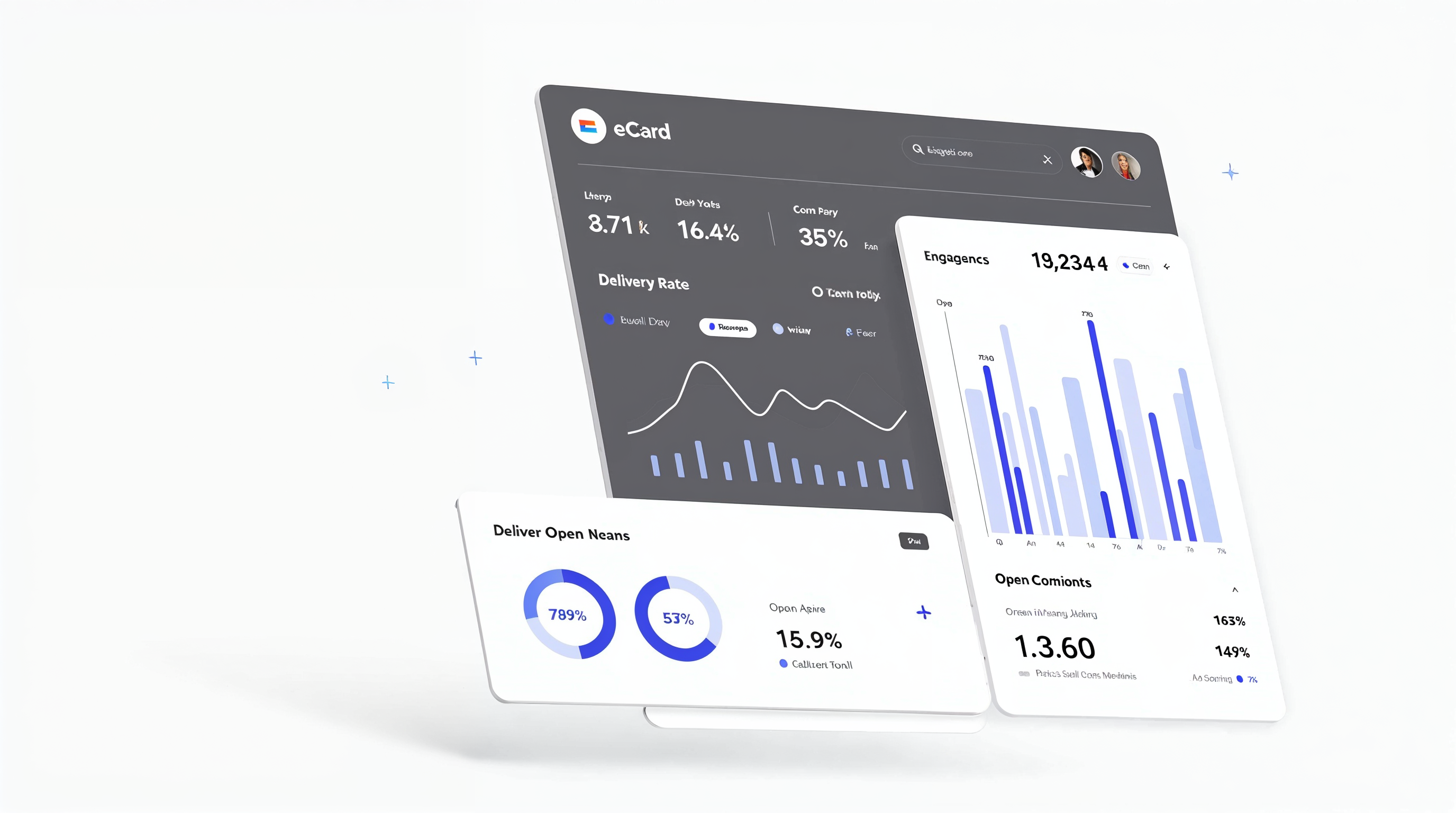
Know which remote teams are recognized, and which are not
Sends, opens, and clicks by team and region, exportable for leadership.
- Sends, opens, and clicks by campaign, team, and sender
- Reward orders and claims in an audit log
- CSV export for HR and leadership reporting
Rated 5.0 on Capterra and G2 by the HR teams who run it
Reviewers rate eCardWidget, the platform behind eCardRecognizer, 5.0 out of 5 on Capterra, with 4.8 for ease of use and 5.0 for customer service, and 5 stars on G2 and the Shopify App Store. Support is a real person who answers the same day.
Milestones, kudos, and service awards from one directory
The same directory, templates, and reward rules power every automation. Turn them on once.
Remote team recognition, answered
Common questions from HR teams running distributed workforces
See it running on your branding in 30 minutes
We load a sample directory and your templates before the call, then send a birthday, an anniversary heads-up, a peer thank-you, and a company-wide card while you watch.
- 1Pick a time on the next screenThirty minutes, on a day that suits you.
- 2We set it up on your branding firstA sample directory and your templates, loaded before the call.
- 3Watch it run liveA birthday, an anniversary, and a peer thank-you sent and opened while you watch.
- 4Ask anythingHRIS sync, SSO, rewards, and rollout. No pressure to decide on the call.
Book your demo
Pick a time on the next screen. A real person replies the same business day.
Just want to look around first? Start free.
30 minutes, no commitment. No pressure to decide on the call.